
TLDR:
- create empty repository
- clone repository https://github.com/fresh-fx59/obsidian-github-notes.git
- open Obsidian from this folder
- update hugo.yaml
- setup GitHub Pages
- start writing
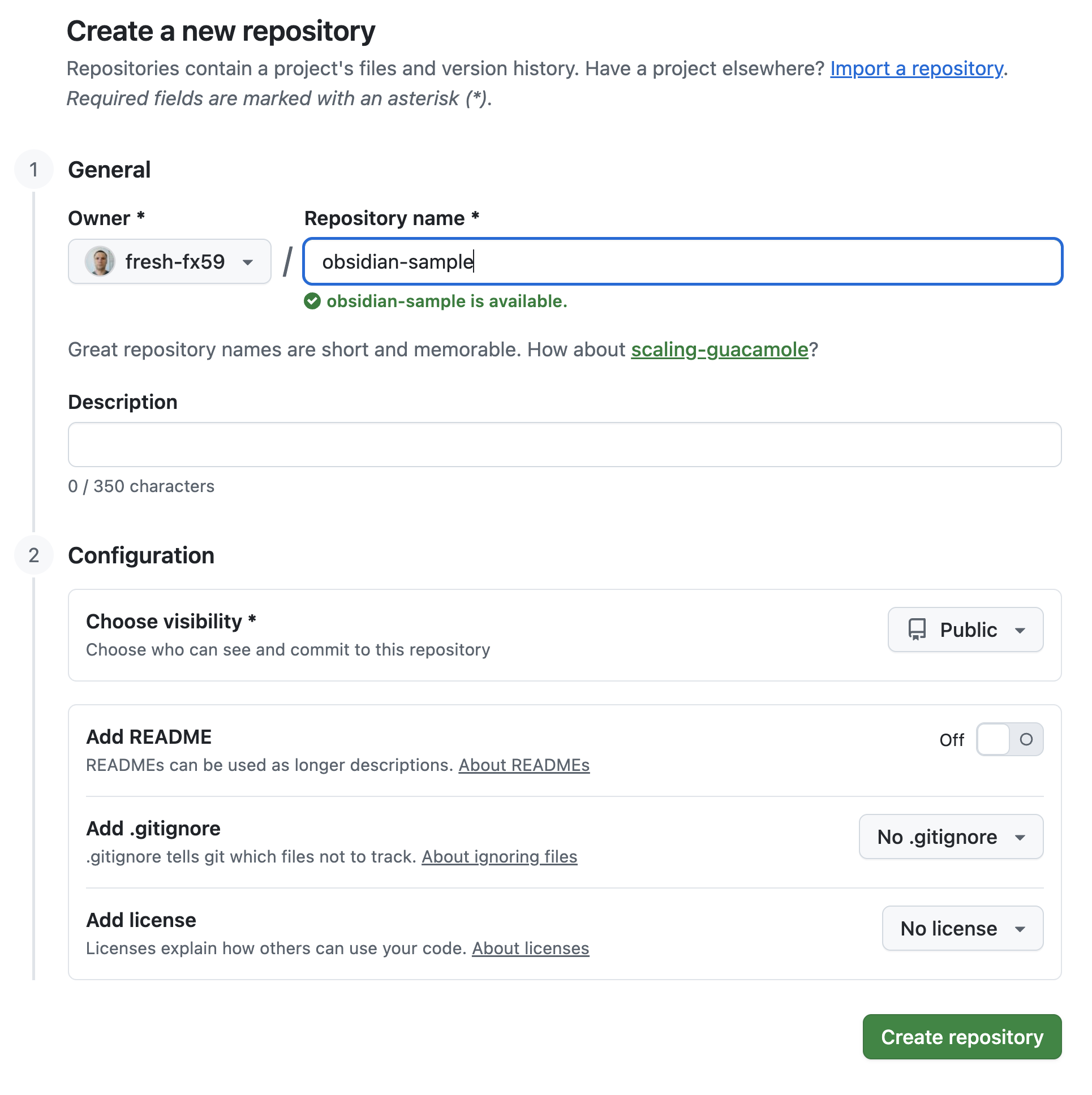
Create new empty repository
Clone repository
Lets say your new empty repo url is https://github.com/fresh-fx59/obsidian-sample.git
On your computer
git clone https://github.com/fresh-fx59/obsidian-github-notes.git
cd obsidian-github-notes
git remote set-url origin https://github.com/fresh-fx59/obsidian-sample.git
git remote -v
    origin https://github.com/fresh-fx59/obsidian-sample.git (fetch)
    origin https://github.com/fresh-fx59/obsidian-sample.git (push)
git push -u origin main
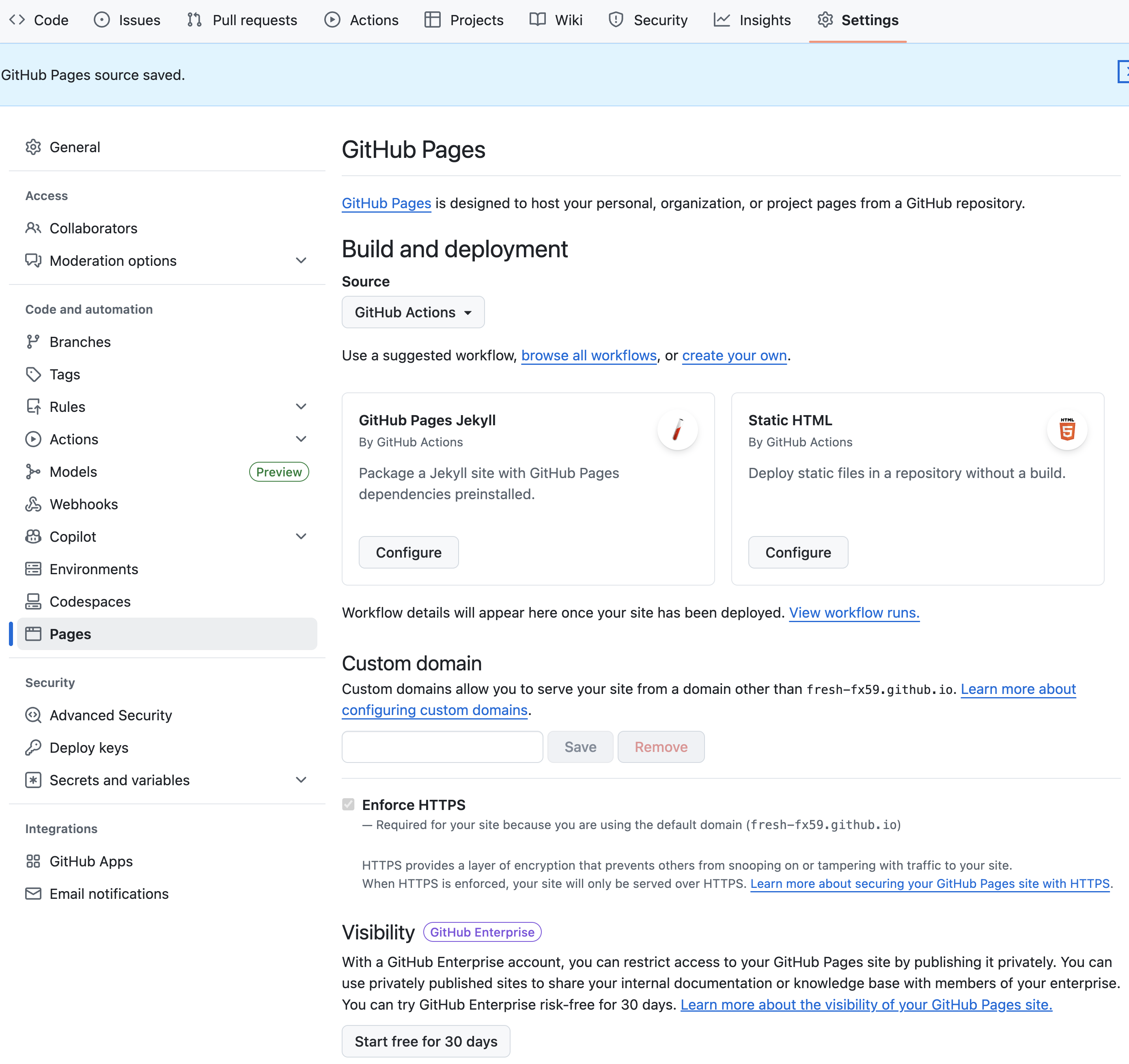
Now go to repository Settings -> Pages and set them up like below
Right after switching to GitHub Actions it will looks like that
Than you need to update hugo.yaml
Replace baseURL with your value
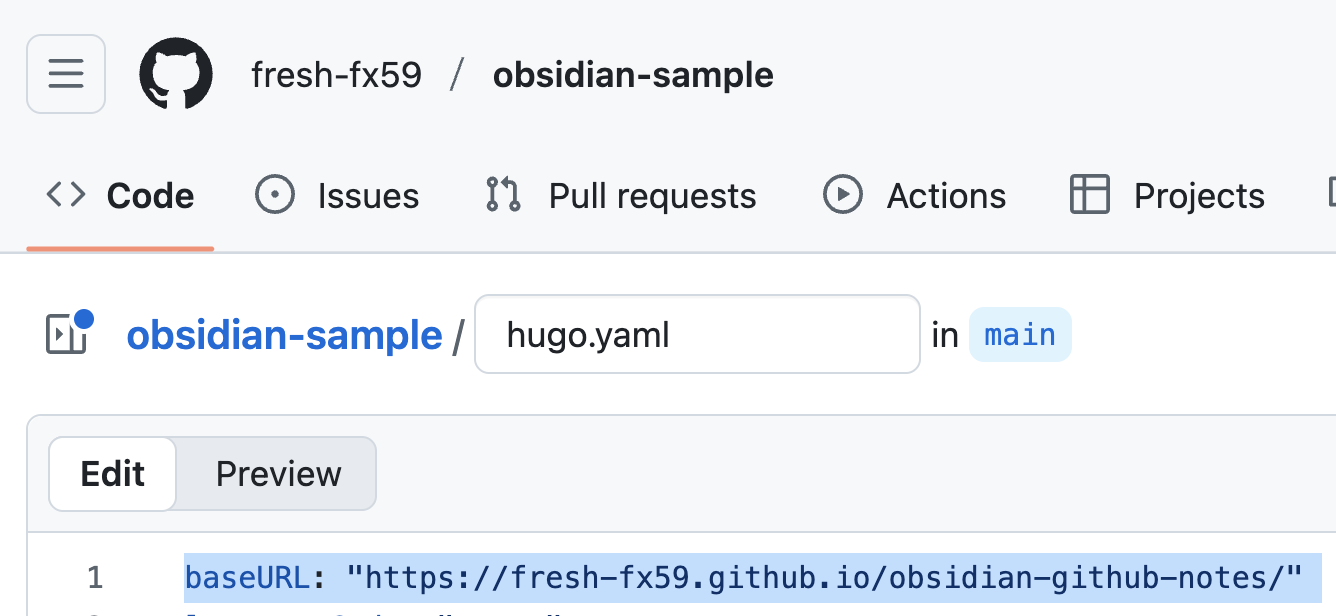
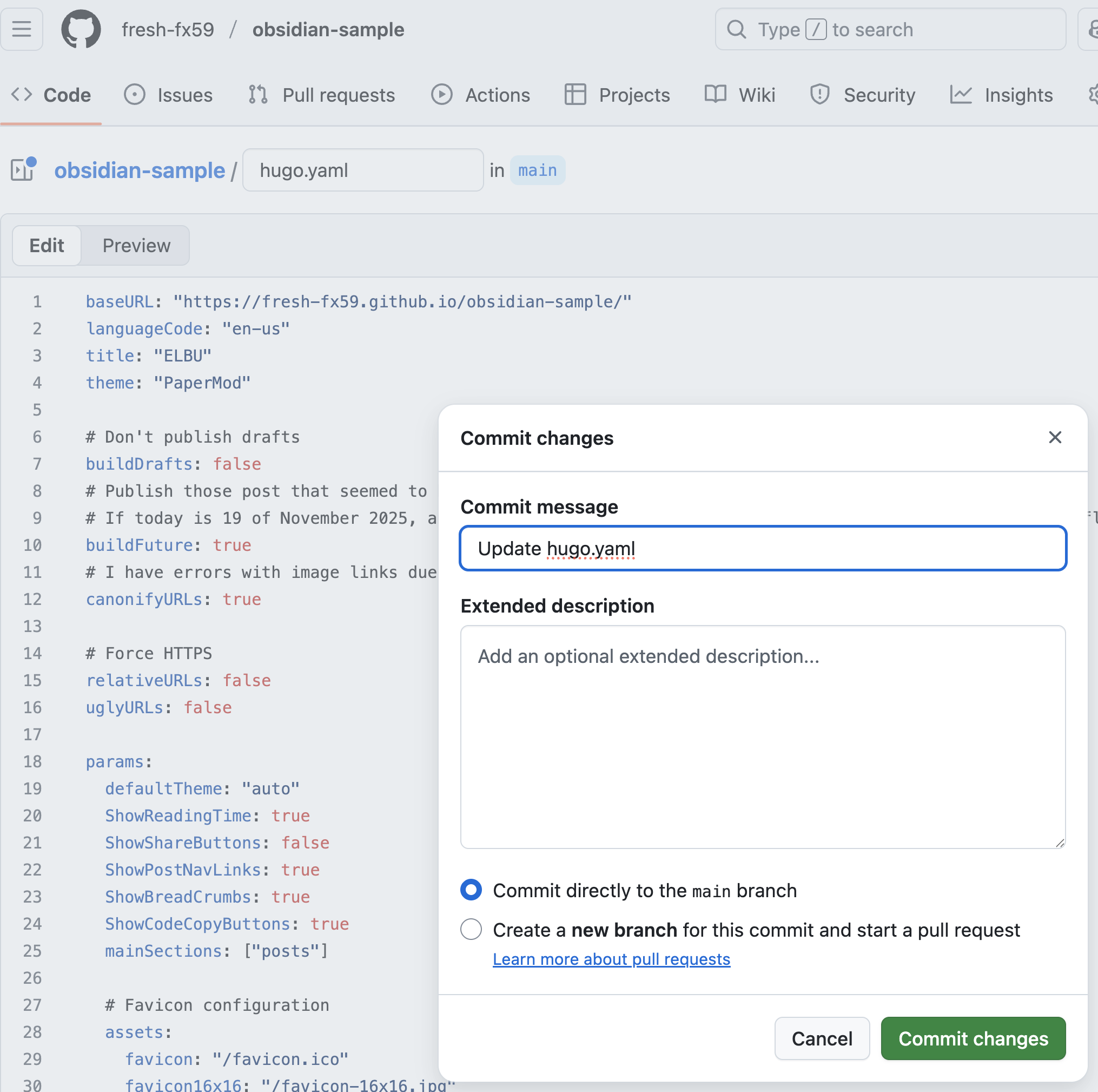
In my case that would be https://fresh-fx59.github.io/obsidian-sample/
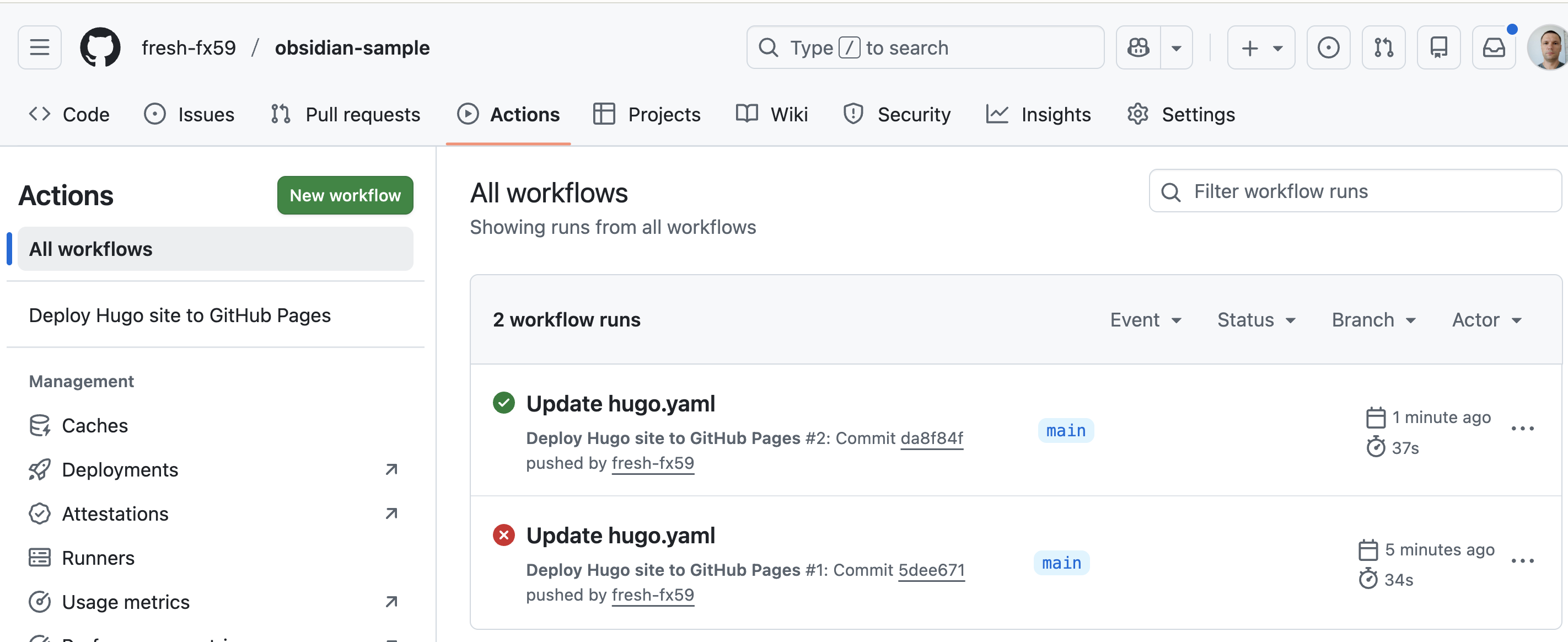
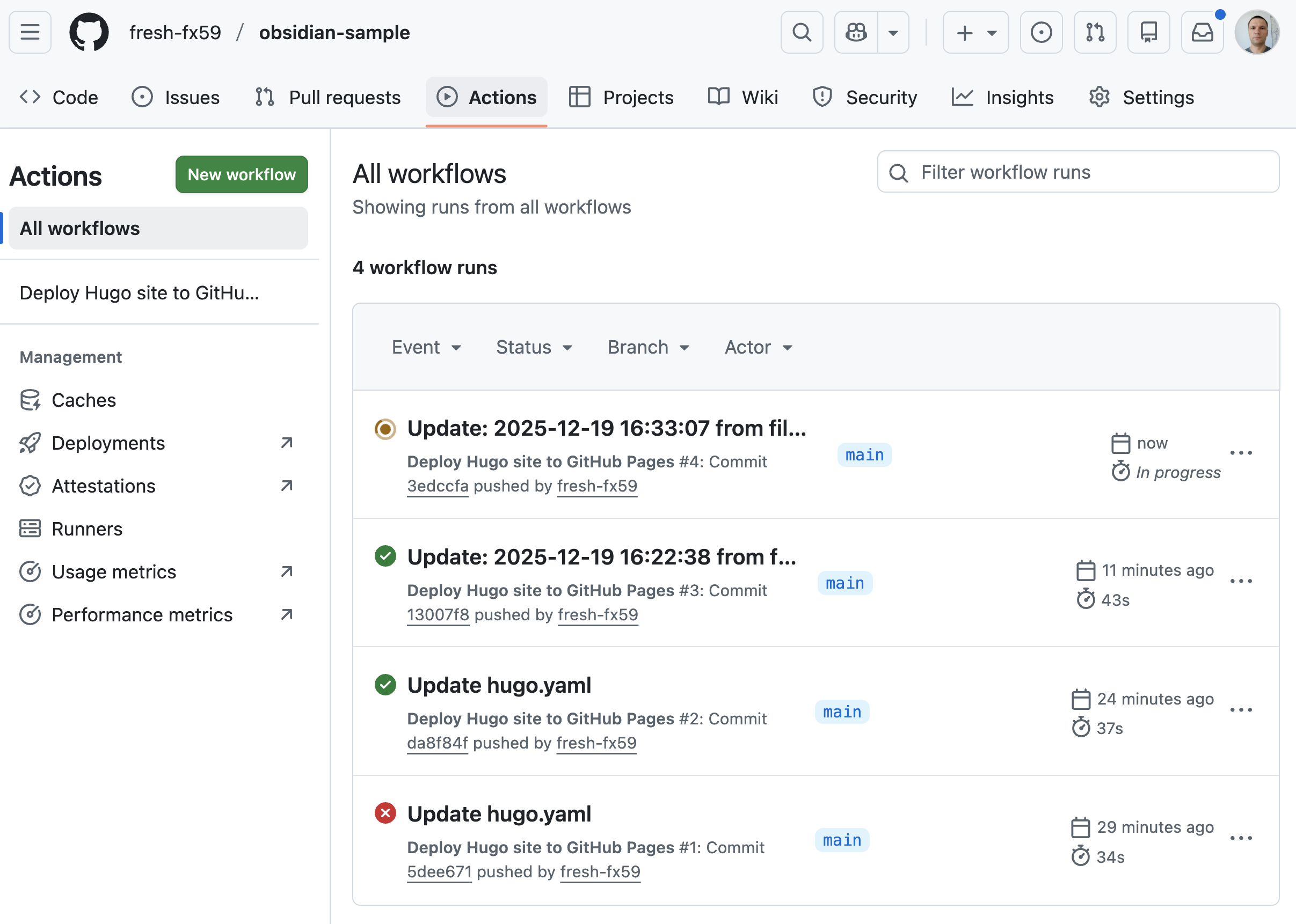
Commit changes. That is how we trigger the build and deploy in GitHub Actions
Wait for first successful workflow on Actions tab
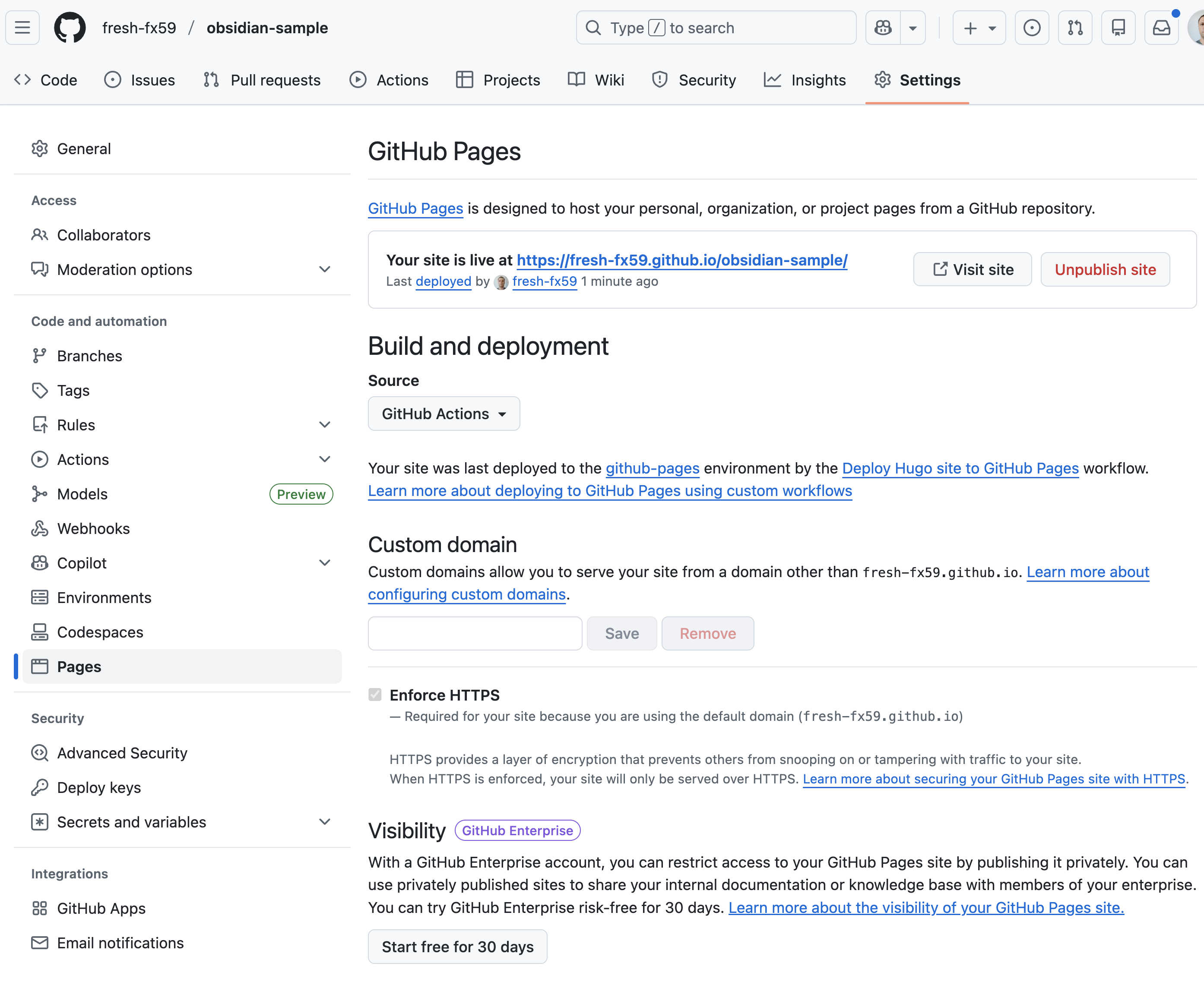
Now Pages in settings looks like this
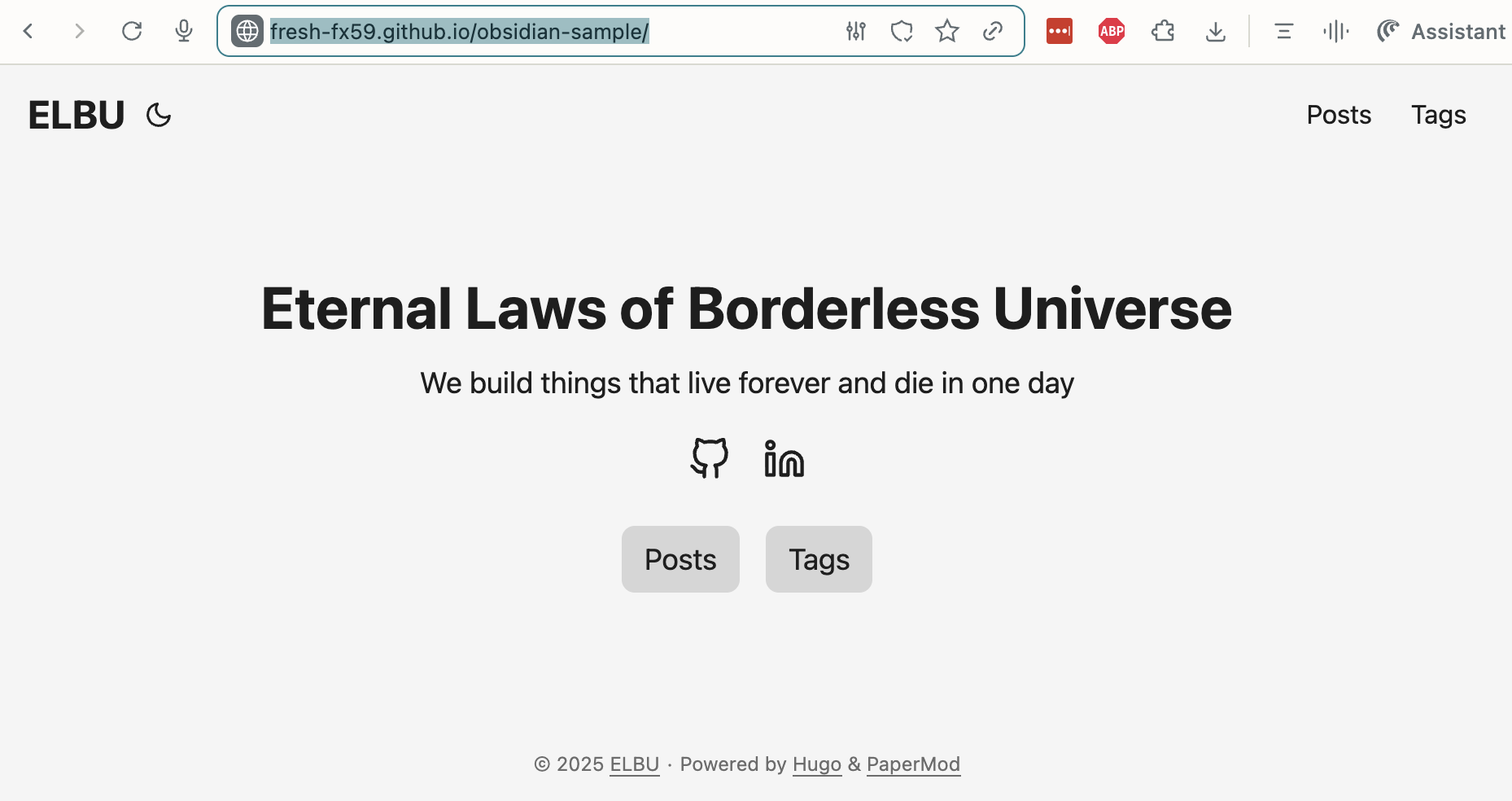
And here is our blog
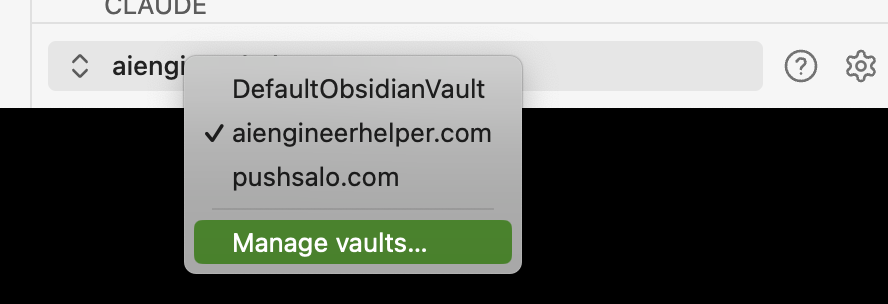
Now lets setup Obsidian
Go to Manage vaults section
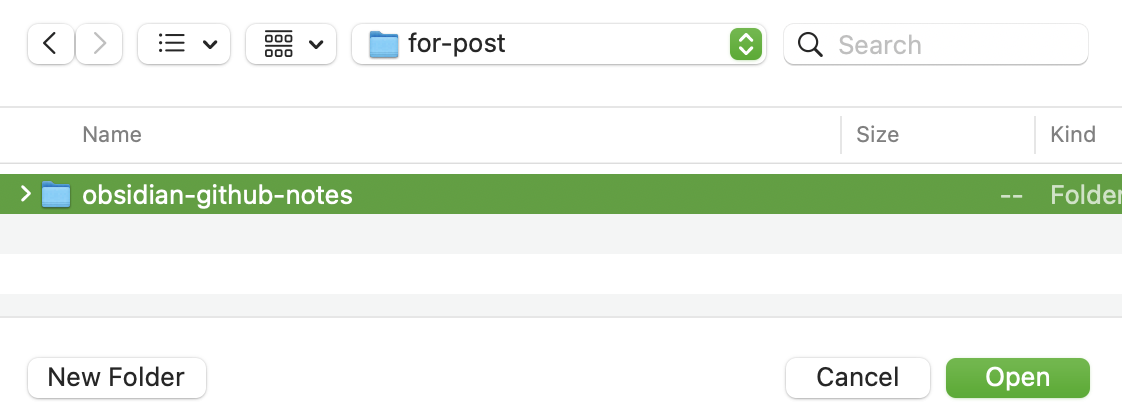
Open folder where we cloned the repository
After that you may see this window
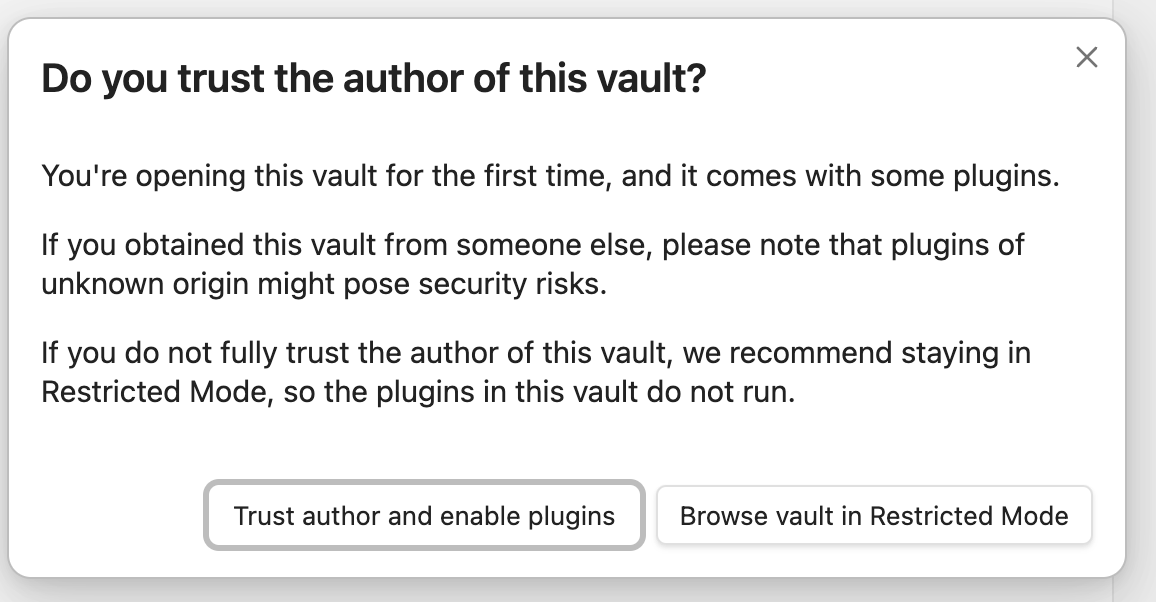
There are two plugins installed: Git(to work with git) and Templater(to create Hugo friendly posts). Choose trust here.
Create new post
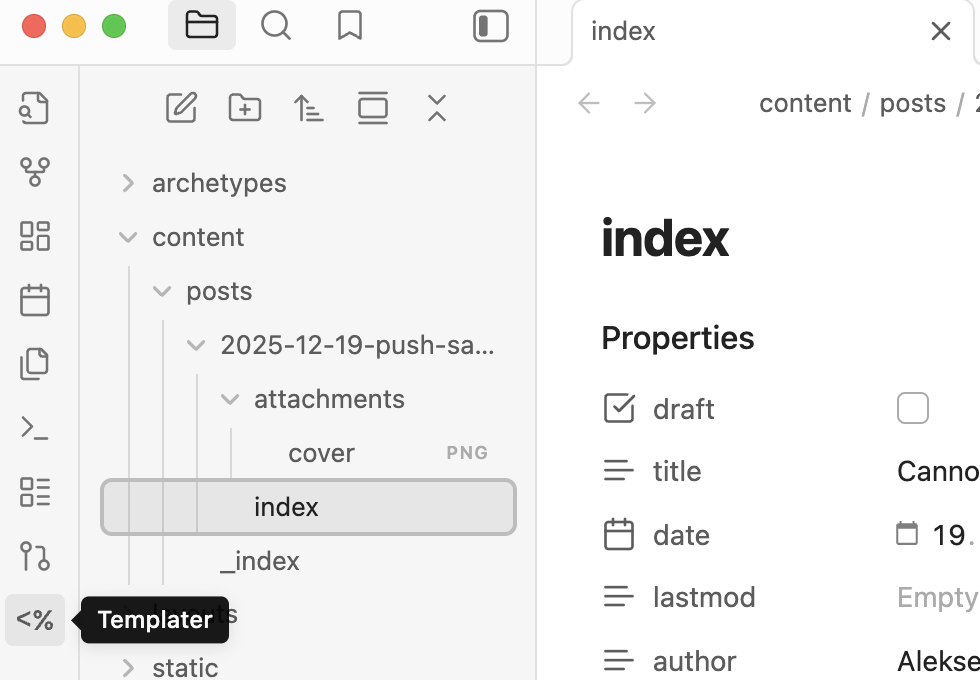
To publish new post Press templater and choose init-papaerMod script
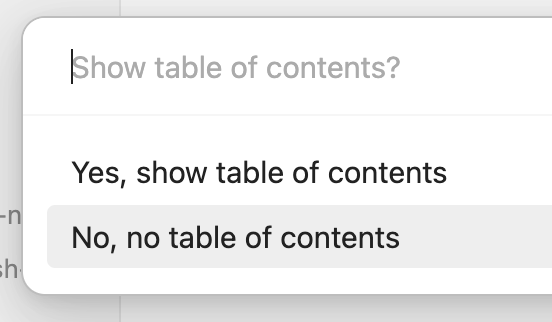
Insert post name. It accept russian language too.




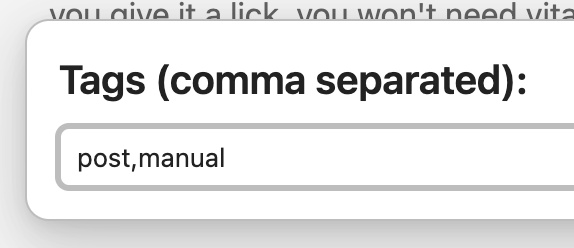
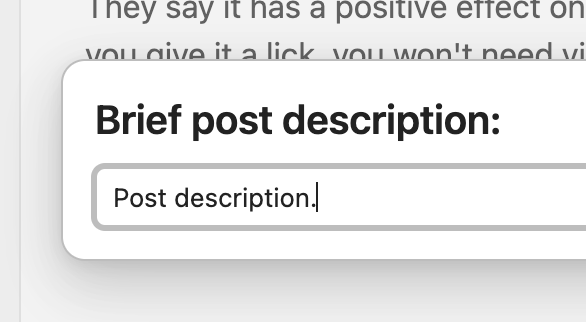
Remove draft checkbox to publish

Add an image. I am making a screenshot on mac and paste it directly into the post.
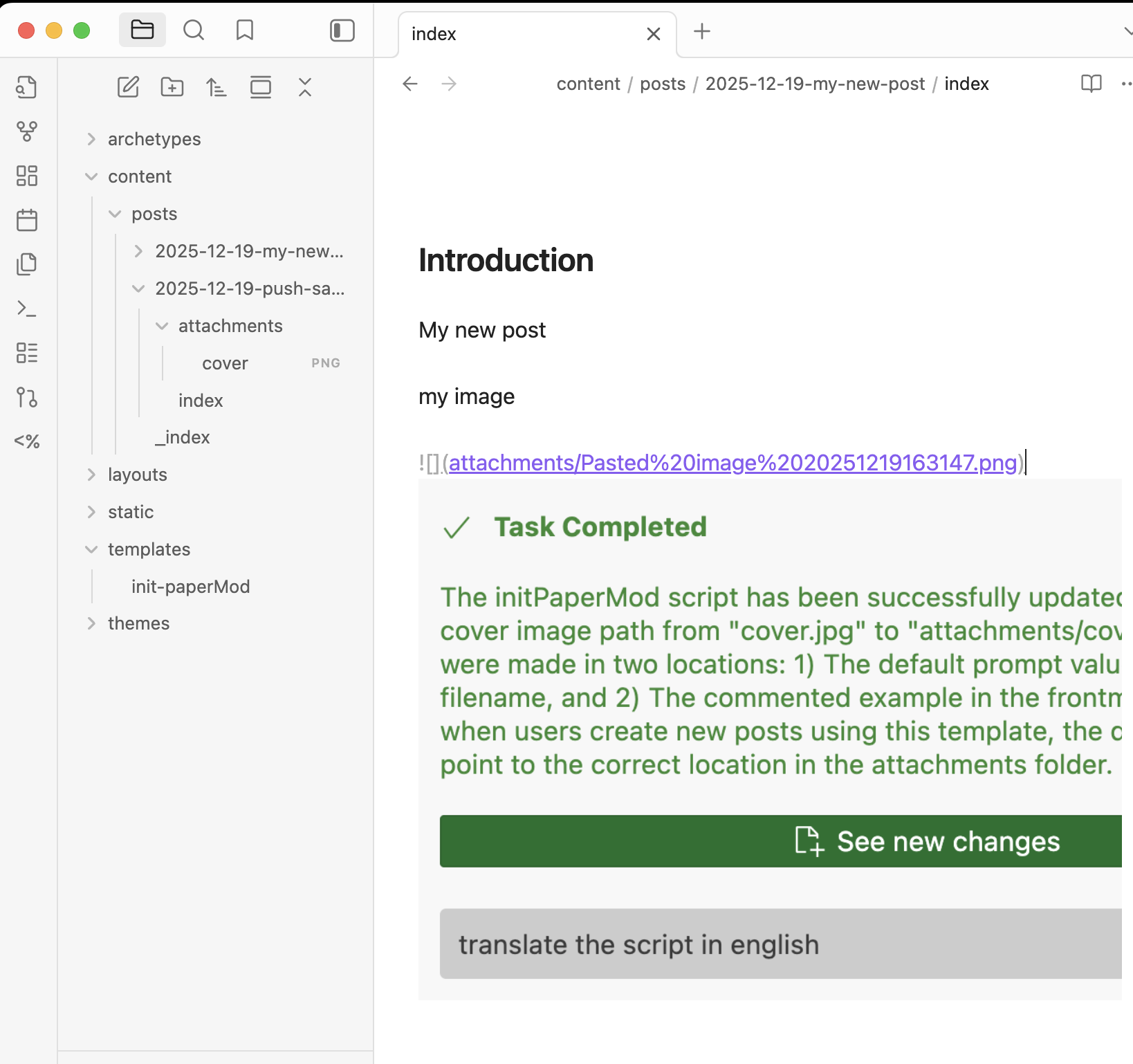
Now lets publish the post with CMD + Shift + C
You should see something like that
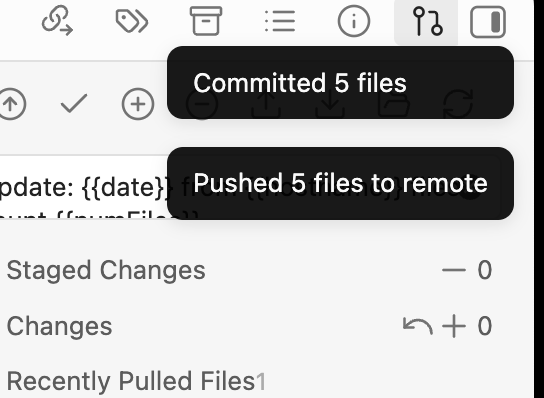
Lets wait GitHub Actions to end up deploing our site
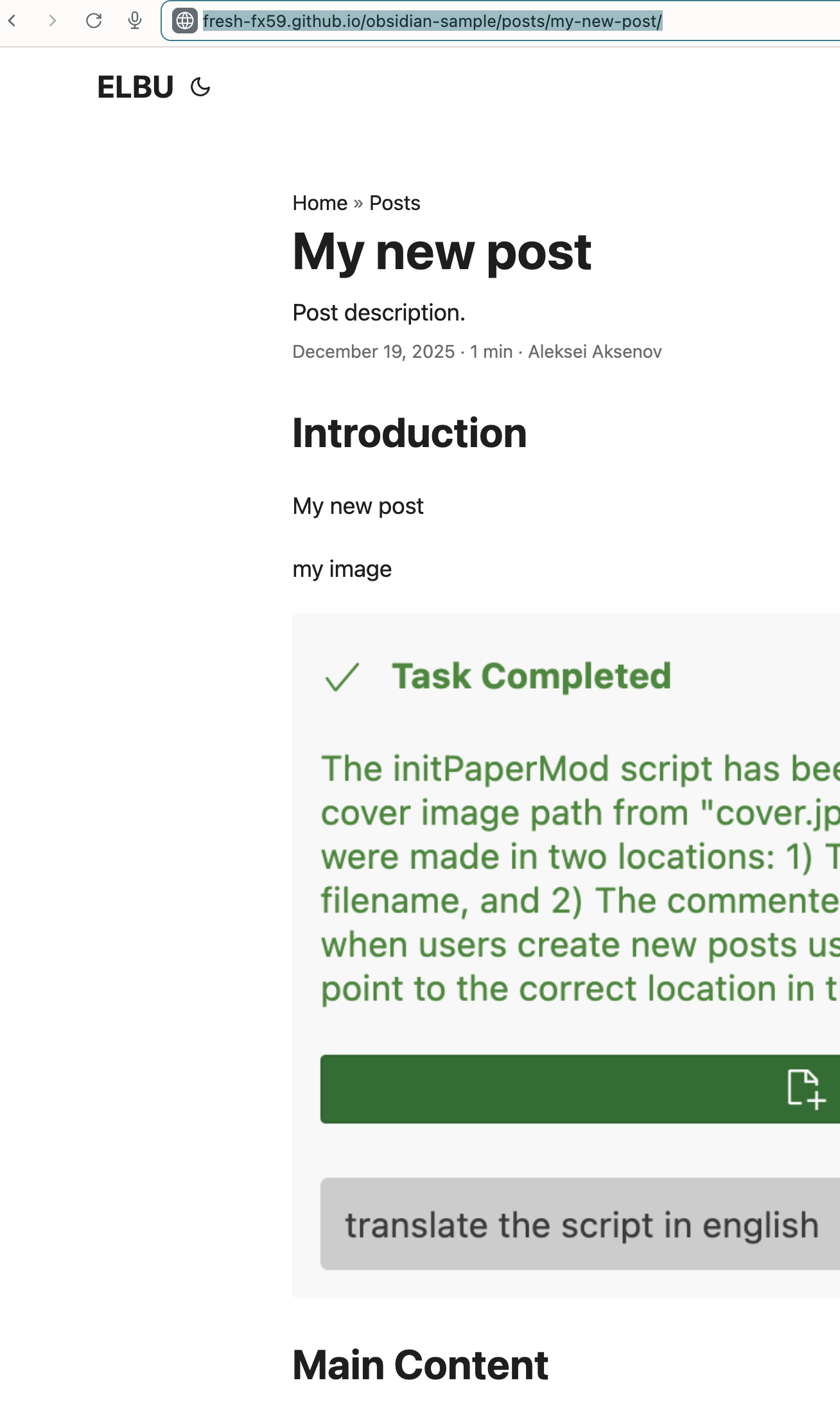
Now we can see our post on https://fresh-fx59.github.io/obsidian-sample/posts/my-new-post/
Connect own domain
To connect own domain to GitHub pages you need to
- fill in A and AAA records properly like stated here
- add domain in GitHub Pages section
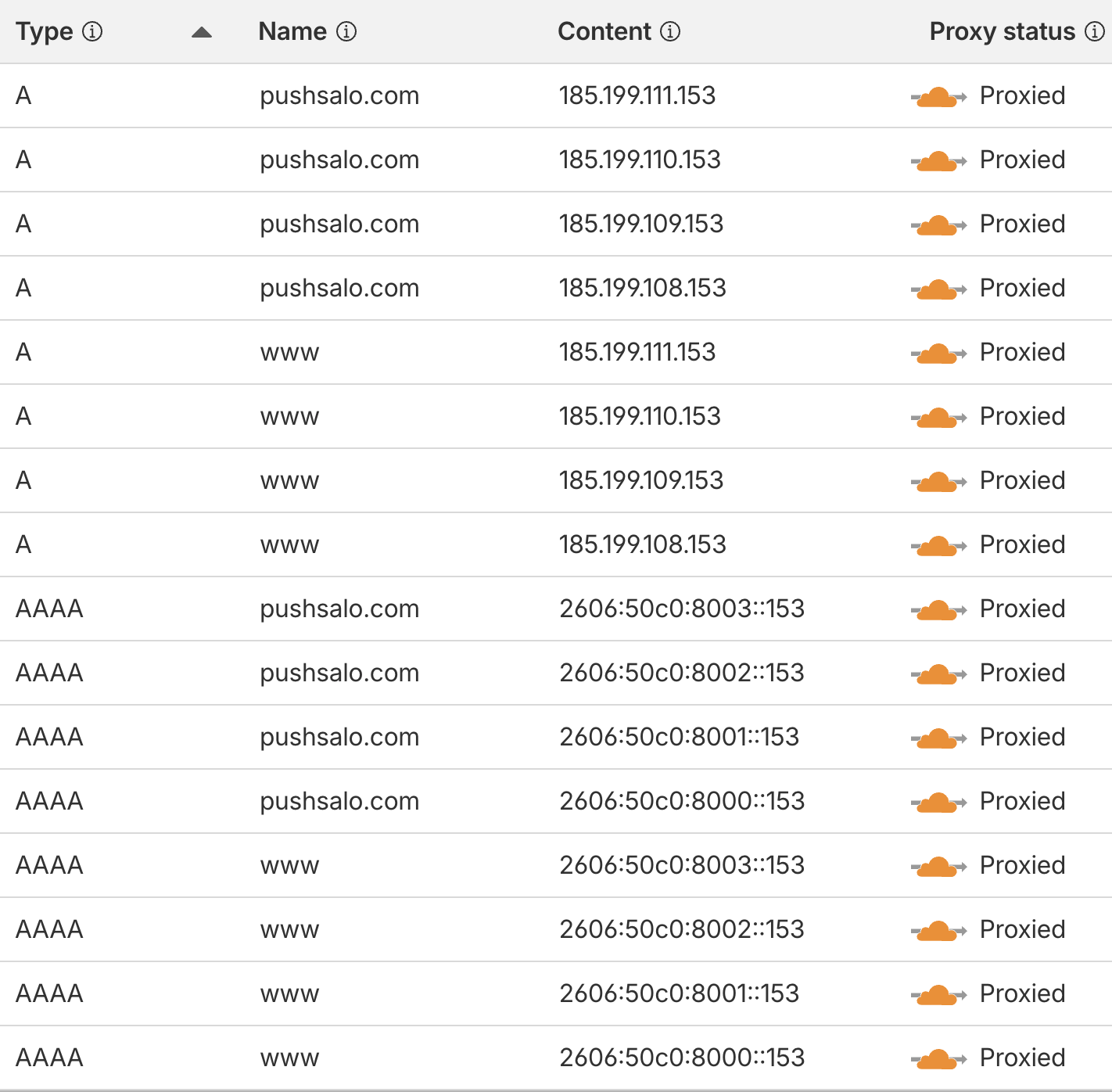
My DNS records on CloudFlare
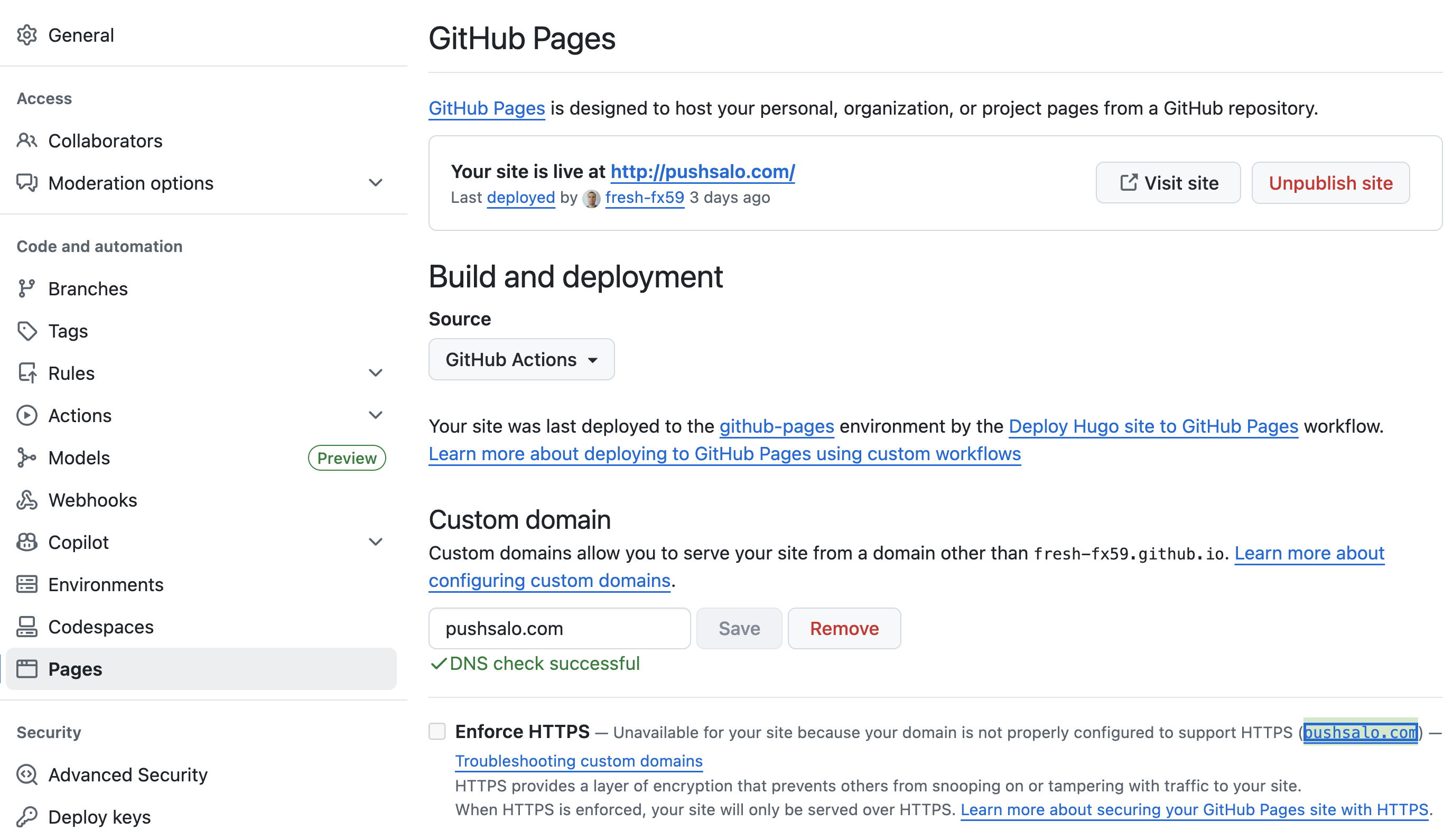
My GitHub Pages settings
Despite GitHub states that HTTPS is not available, https is enabled via Cloudflare. Limits from GitHub are applied for your content on GitHub pages. If you wish to own your data, use personal hosting instead.